

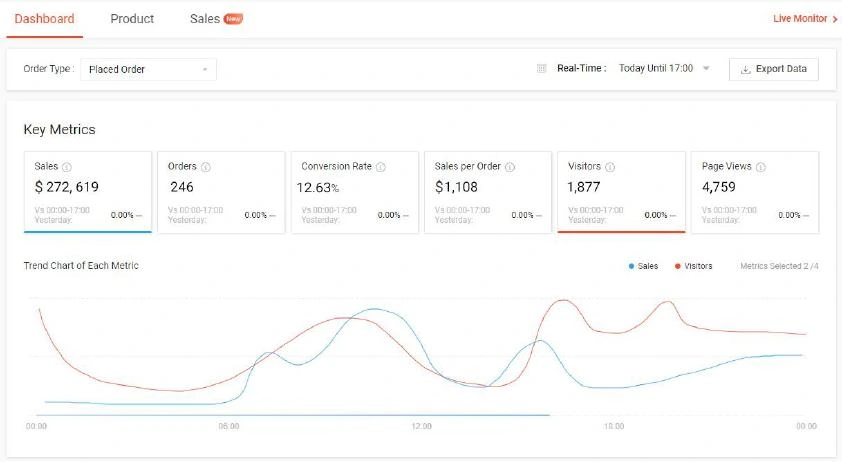
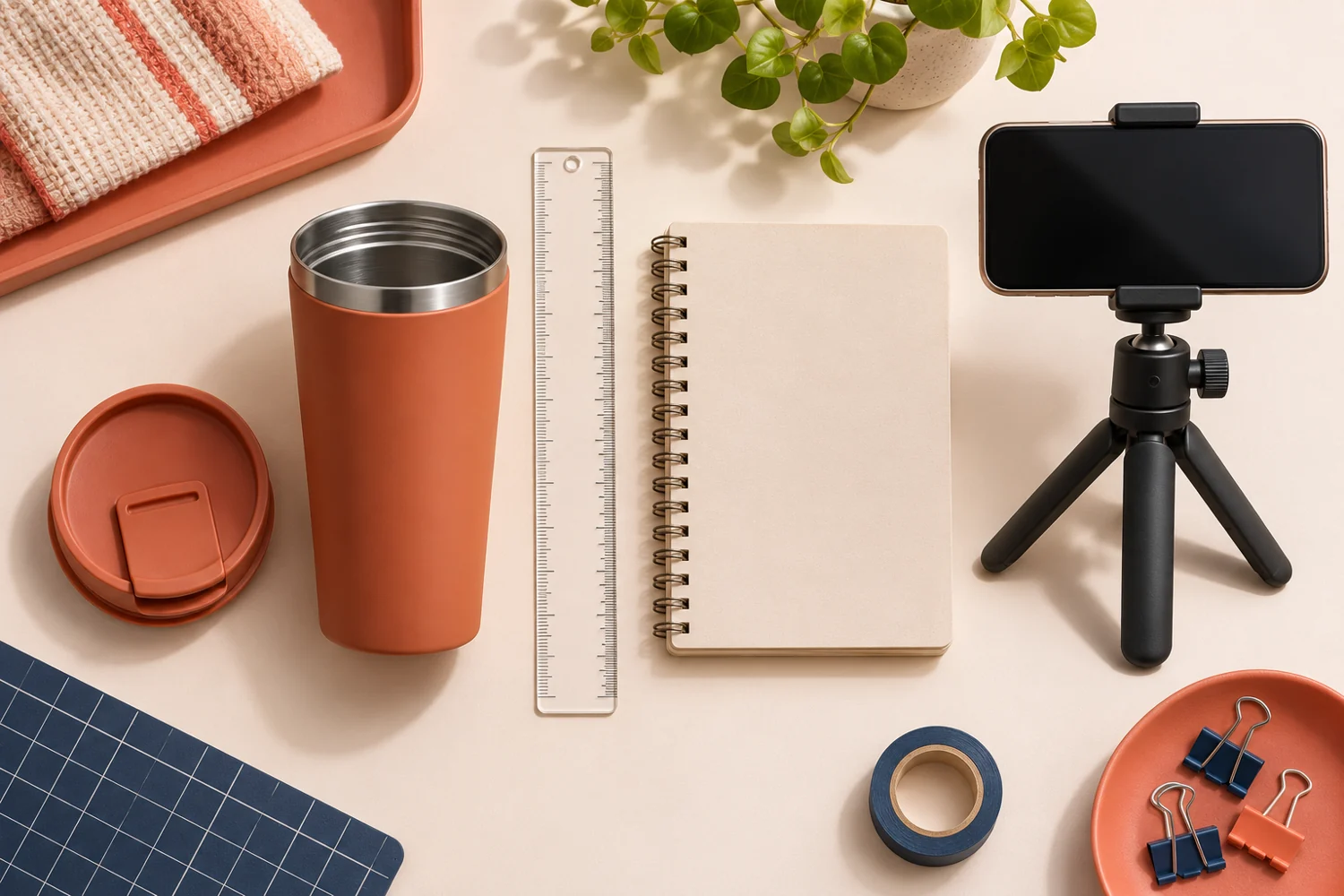
Example listing briefProduct name · size and materials · care instructions · what to show on camera
Day 1 · Seller Centre and Test Stream
Set up your store and list your products
- Understand
- How your product listing, selected items and opening demonstration work together.
- Practise
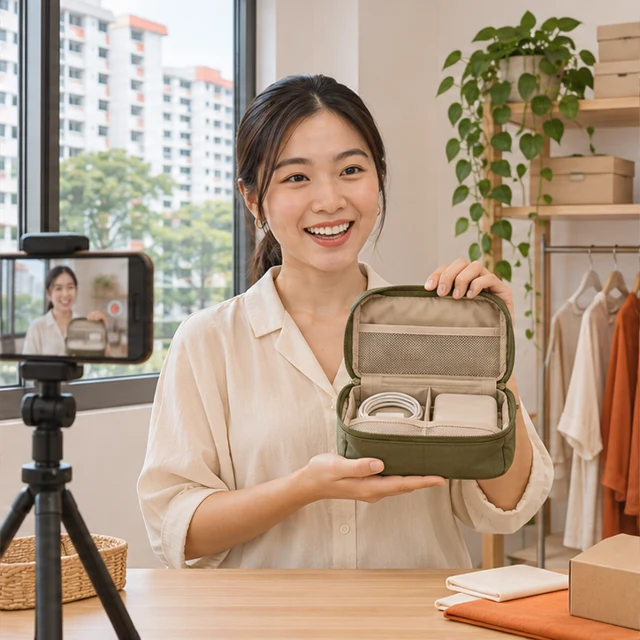
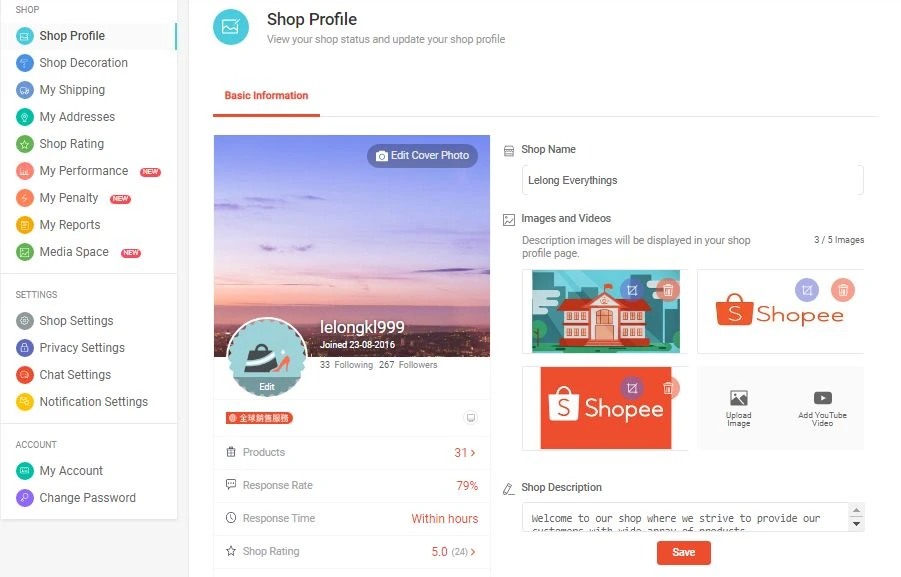
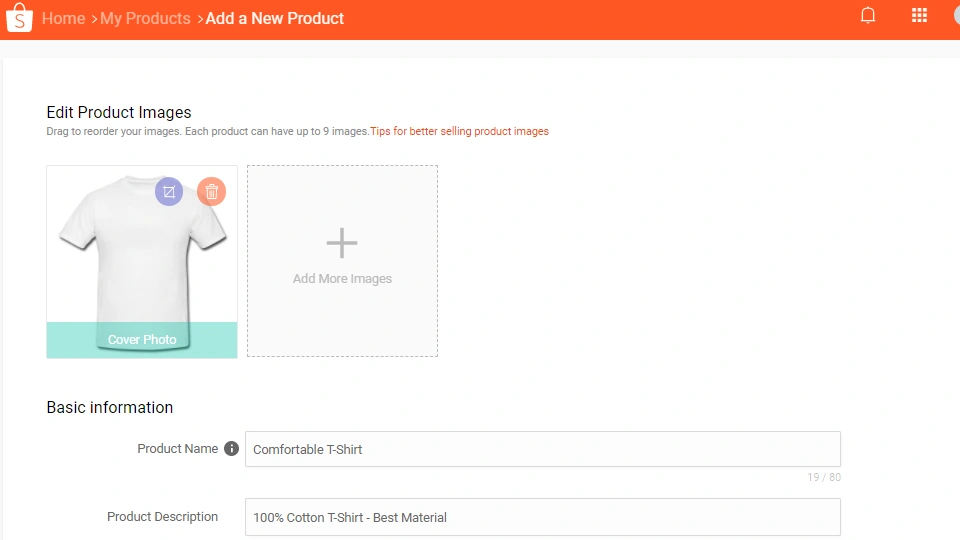
- Open your Shopee store in Seller Centre, build your brand kit and add a listing for a product you researched with AI. Use Test Stream to check framing, lighting and audio before going live with trainer support.
- Produce
- A Shopee store, a product listing and your first trainer-supported classroom livestream.
Explore the features you’ll practise
- Seasonal product research
- Use AI to shortlist products for a campaign and check the evidence behind the suggestions.
- AI brand kit
- Prepare a consistent look for the shop, listing and stream.
- Seller Centre and Product AI Optimiser
- Draft a listing, review suggested changes and check product information before you use it.
- Test Stream
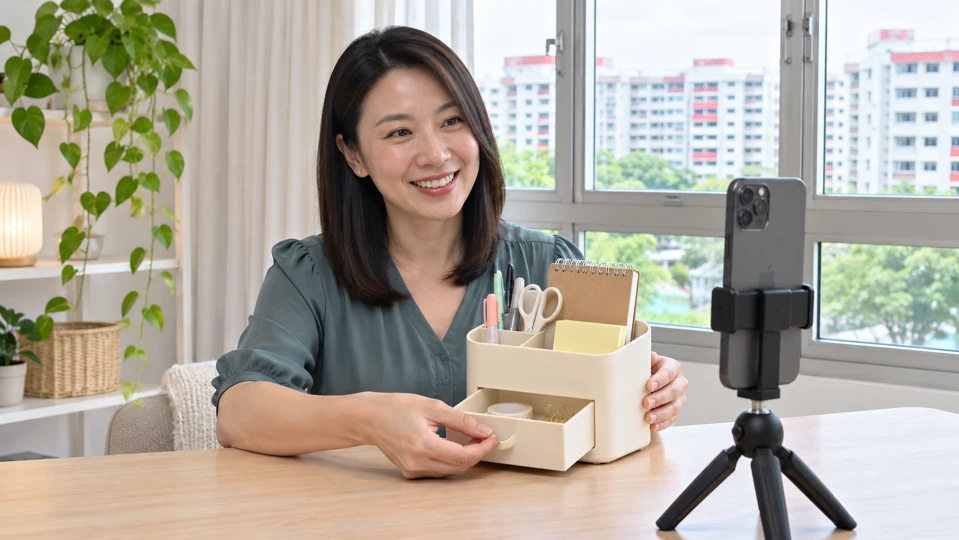
- Check framing, lighting and audio before going live in class with a trainer.